


Inline Feedback and Status Communication
Alerts, toasts, inline validation, progress and status messages that communicate the outcome of an action in real time. Keeps citizens informed and confident at every step of a service.
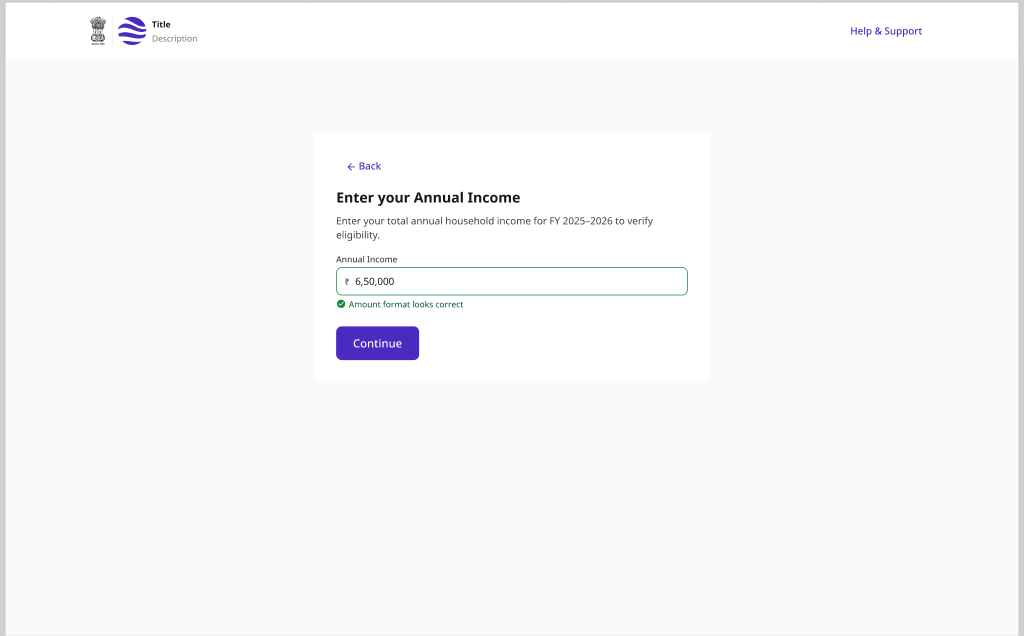
Service Completion and Feedback
A post-service prompt that captures a star rating and optional comment at the natural completion point, then confirms receipt with a clear thank-you acknowledgement.
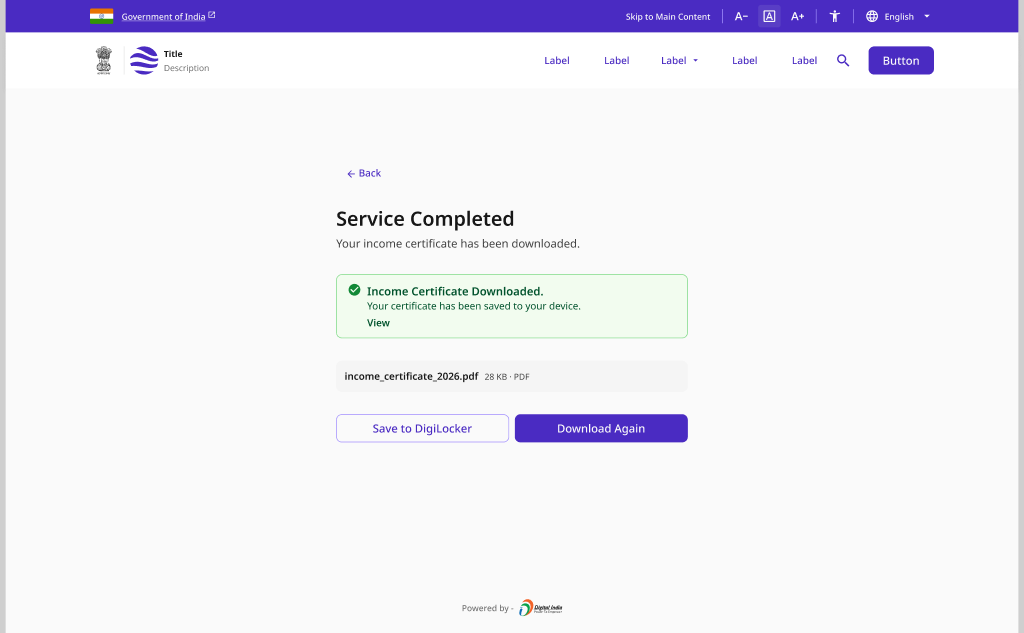
Contact and Support
A help centre with searchable articles, live chat, complaint submission and a Common Service Centre locator - giving citizens multiple channels to resolve issues online or in person.
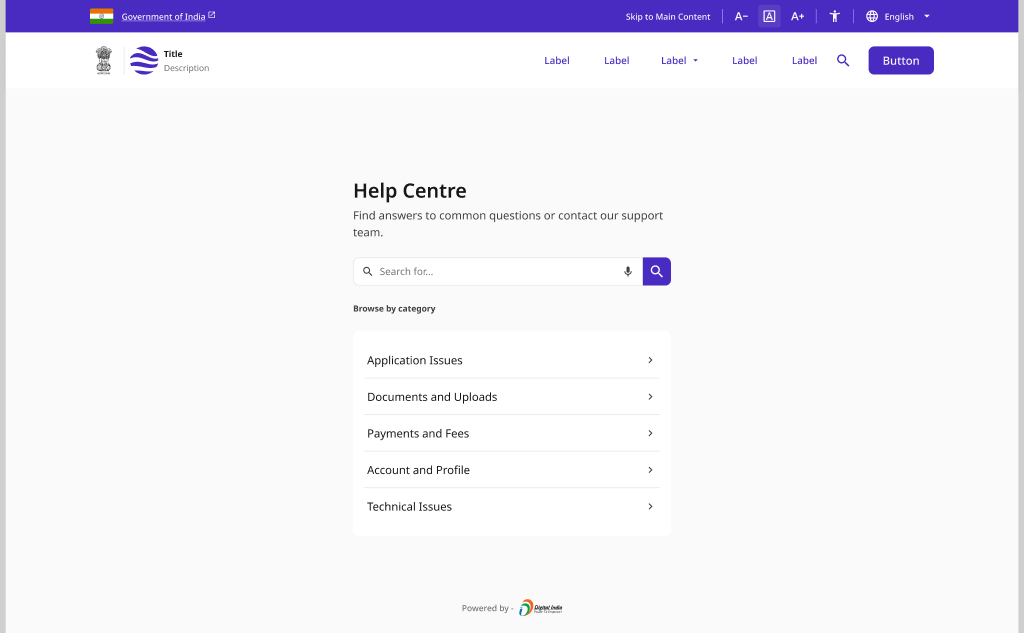
Language Switcher
A multilingual language selector with a header control, first-visit detection prompt, inline toggles and graceful handling when content is unavailable in the chosen language.
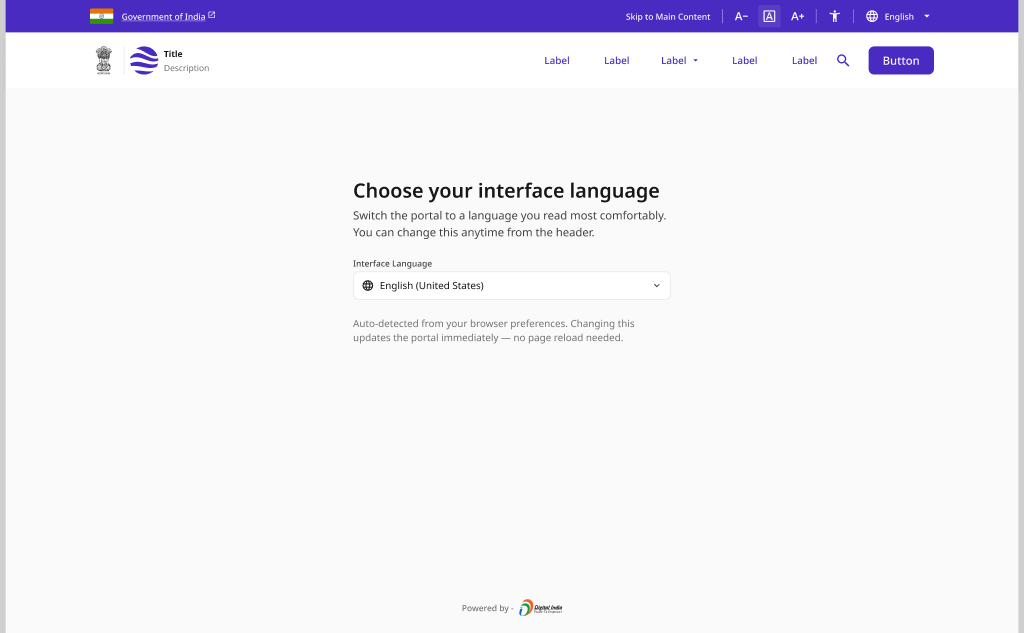
Pattern Overview
Purpose
Keep citizens informed, supported and heard throughout a service - communicating status clearly, capturing feedback, offering help, and serving every language.
- Communicate action outcomes and status in real time
- Capture satisfaction and feedback at completion
- Offer help, live chat and complaint channels
- Let citizens use the service in their own language
When to Use
- An action needs immediate success, error or status feedback
- A service has completed and satisfaction should be captured
- Citizens may need help, live support or to raise a complaint
- Content is offered across multiple official languages
When NOT to Use
- Long-running application progress (use Status & Tracking)
- Proactive alerts sent outside the session (use Notifications)
- In-form field validation only (use Application & Submission)
Primary User Goals
- Know whether my action succeeded or failed
- Share how the service went for me
- Get help or raise a complaint quickly
- Reach a real person or a nearby service centre
- Use the service in a language I understand
Accessibility Requirements
Every screen in this group is built to meet WCAG 2.1 Level AA — keyboard operable, screen-reader friendly, and resilient for low-bandwidth and assistive-tech users.
Status and Inline Feedback
- Alerts and toasts announced via aria-live (assertive for errors)
- Status conveyed by text and icon, never color alone
- Toasts remain long enough to read and are dismissible
- Inline validation messages linked to fields via aria-describedby
Feedback and Ratings
- Star rating operable by keyboard with a clear accessible name
- Current and selected rating announced to screen readers
- Comment field has a visible label and optional hint
- Thank-you confirmation conveyed by text, not color or icon alone
Contact, Help and Chat
- Live-chat messages announced via an aria-live log region
- Help articles use semantic headings and skip-to-content links
- Complaint form errors summarised and linked to their fields
- CSC locator results available as an accessible list, not map-only
Language Switcher
- Language control is a labelled, keyboard-operable menu
- Selected language announced and reflected in the lang attribute
- document.dir set correctly for RTL languages (e.g. Urdu)
- Content-unavailable fallback stated in text with a clear next step