
UX4GDesign System

Designed for a billion citizens
The official component library and pattern repository by UX4G for Government of India initiatives.

AdesignsystemambitiousenoughtoserveeveryIndiancitizen

1

Built around how government services actually work

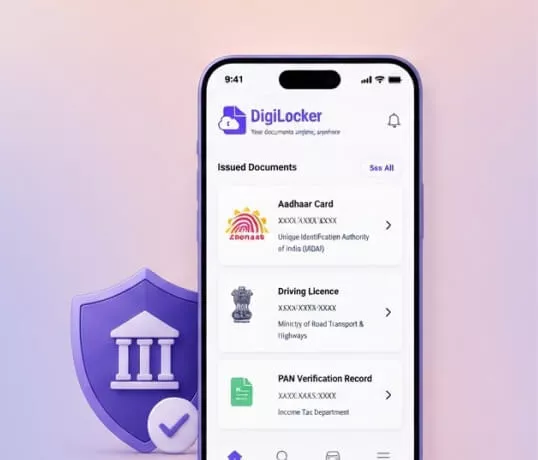
From Aadhaar authentication and grievance filing to certificate issuance — UX4G addresses the specific flows and compliance requirements of Indian public services.

National emblem on indigo gradient
2

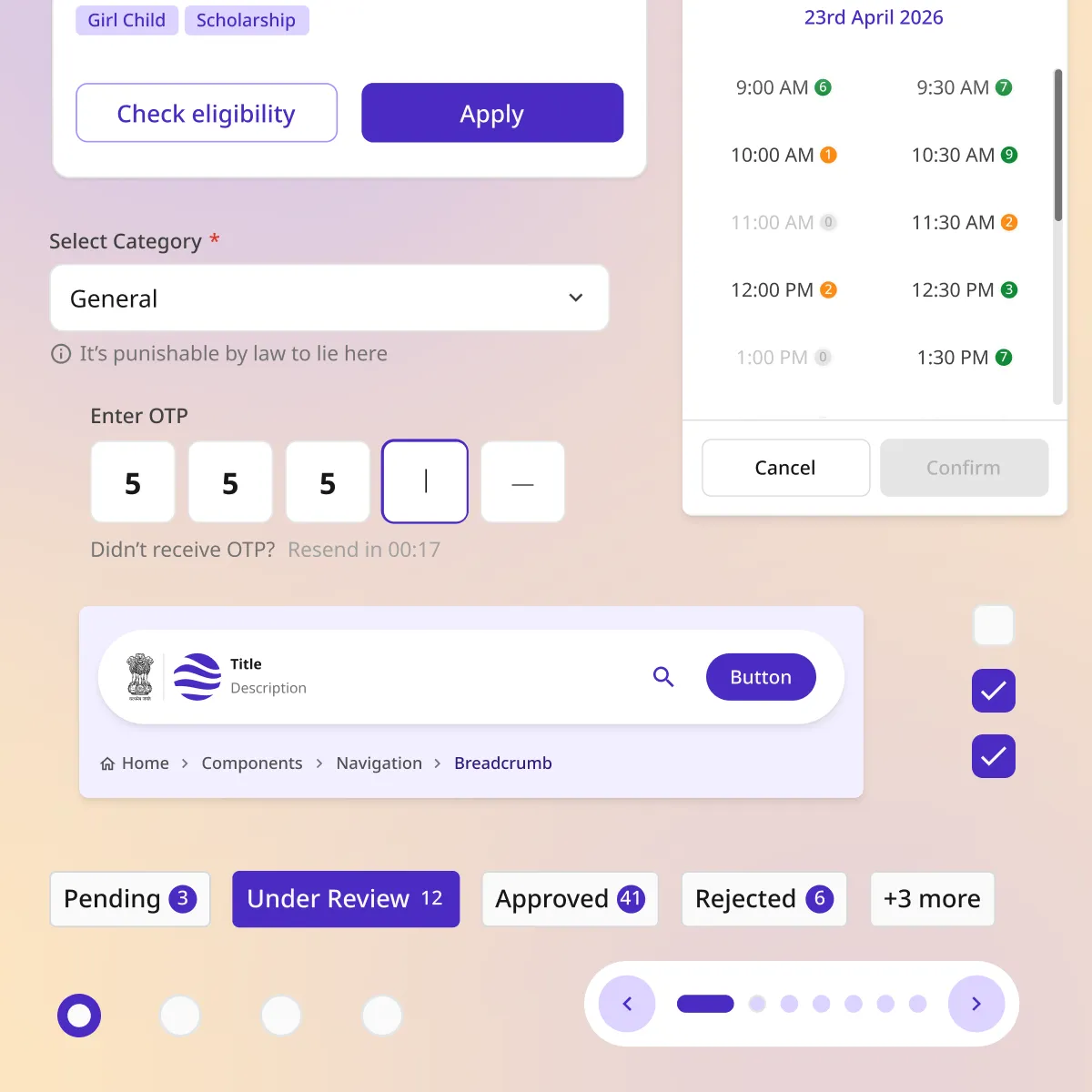
50+ components and patterns, built for the depth government work demands

From a six-box OTP input to a three-level grievance escalation tree — every pattern in UX4G was shaped by real workflows inside real government services, then tested with the teams building them. This is not a starter kit. It is a complete system.

Components and patterns
3

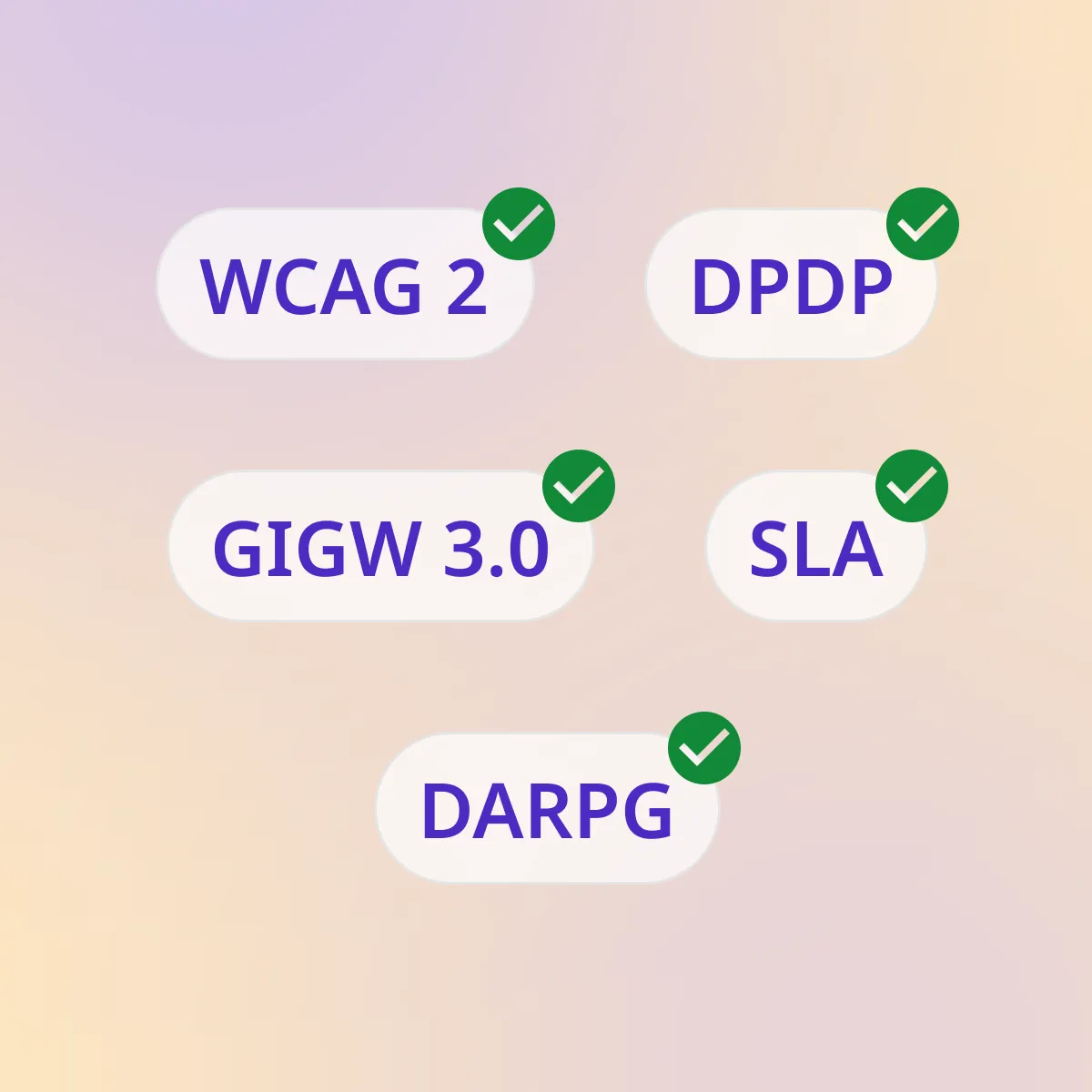
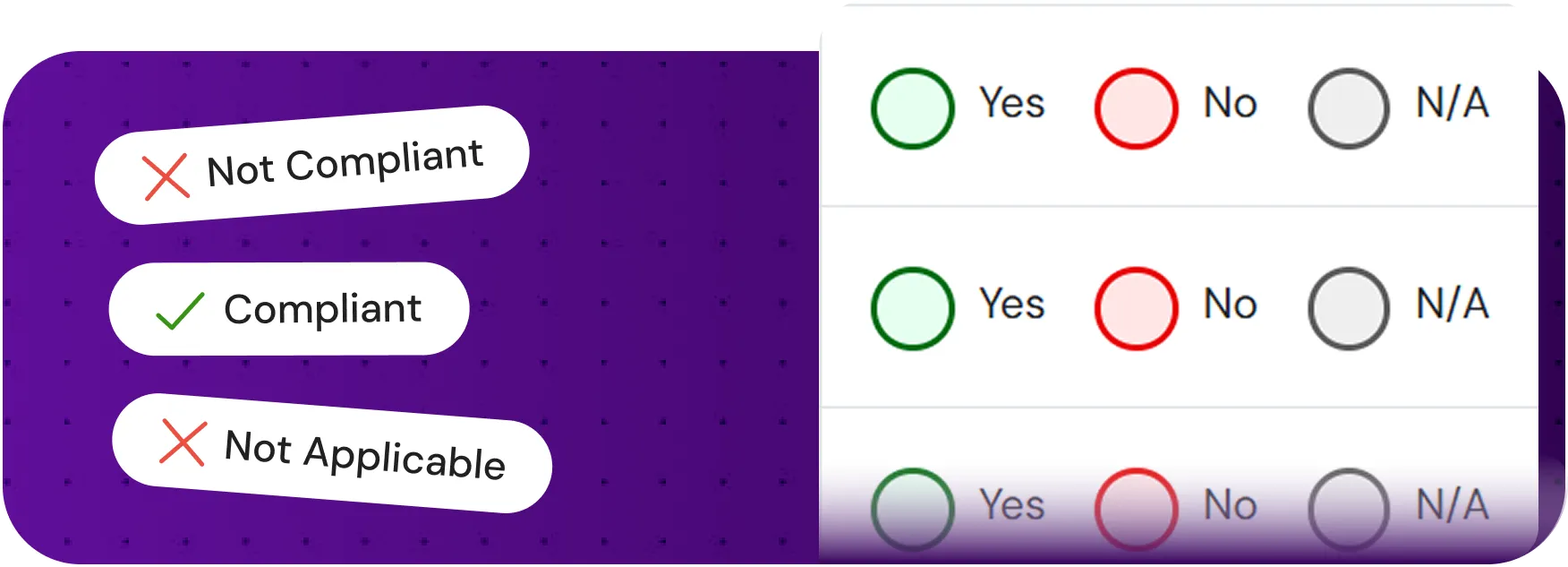
Compliance is not a checklist. It is built into every component

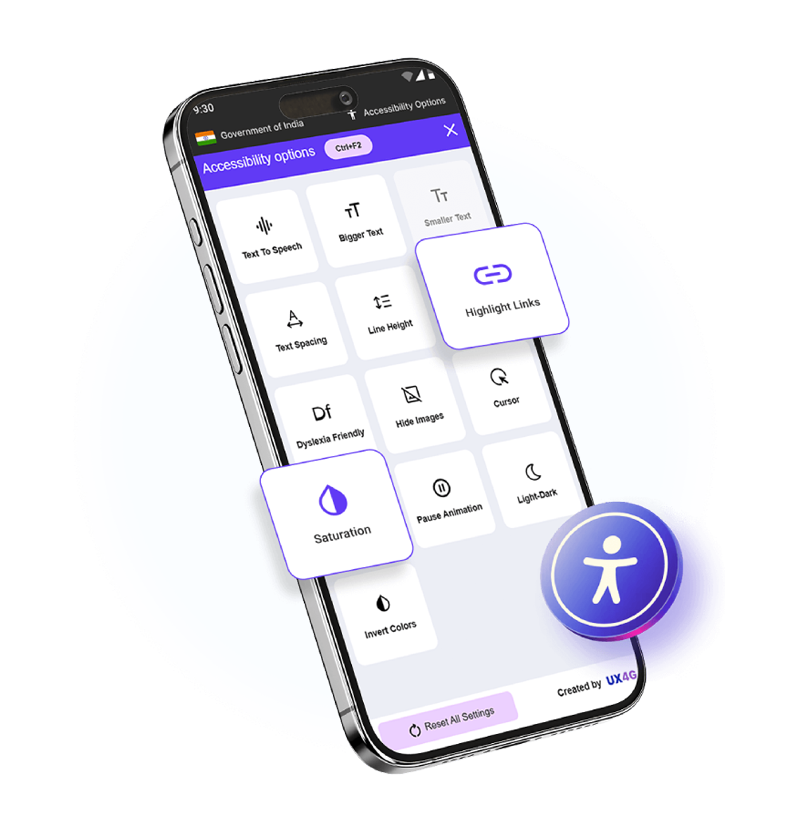
Teams using UX4G automatically inherit DPDP Act 2023 consent flows, Right to Service Act SLA accountability, GIGW 3.0 accessibility standards, and DARPG grievance guidelines. The legal requirements are already handled — so teams can focus on the service, not the specification.

Compliance standards stacked
4

Designed to grow with every team that uses it

UX4G ships with a documented core. What it becomes depends on the teams building on top of it. Custom components, ministry-specific patterns, and service-tested solutions can all feed back into the system. Everything Made by you starts here.

Everything you need to build for India

Enter OTP
Didn't receive OTP? Resend in 00:17
Full name (As on Aadhaar) *
Select Category *
General
Select as per your government-issued caste certificate
Select gender *
Select domains
How much %25%
0%100%
9:30
Dark Mode
April 2026
Mo
Tu
We
Th
Fr
Sa
Su
30
31
1
2
3
4
5
6
7
8
9
10
11
12
13
14
15
16
17
18
19
20
21
22
23
24
25
26
27
28
29
30
1
2
3
Sign In
Mobile Number
+91 98765 •••••
OTP Verification
5
5
5
Resend in 00:17
Session active · Expires in 30 min
Payment & Transactions
Fee Summary
Application Fee₹500
Processing Charge₹50
SC/ST Waiver−₹500
Total₹50
Payment Mode
UPINet BankingCardCSC
Payment Successful
Txn ID: PAY-2026-MH-04127
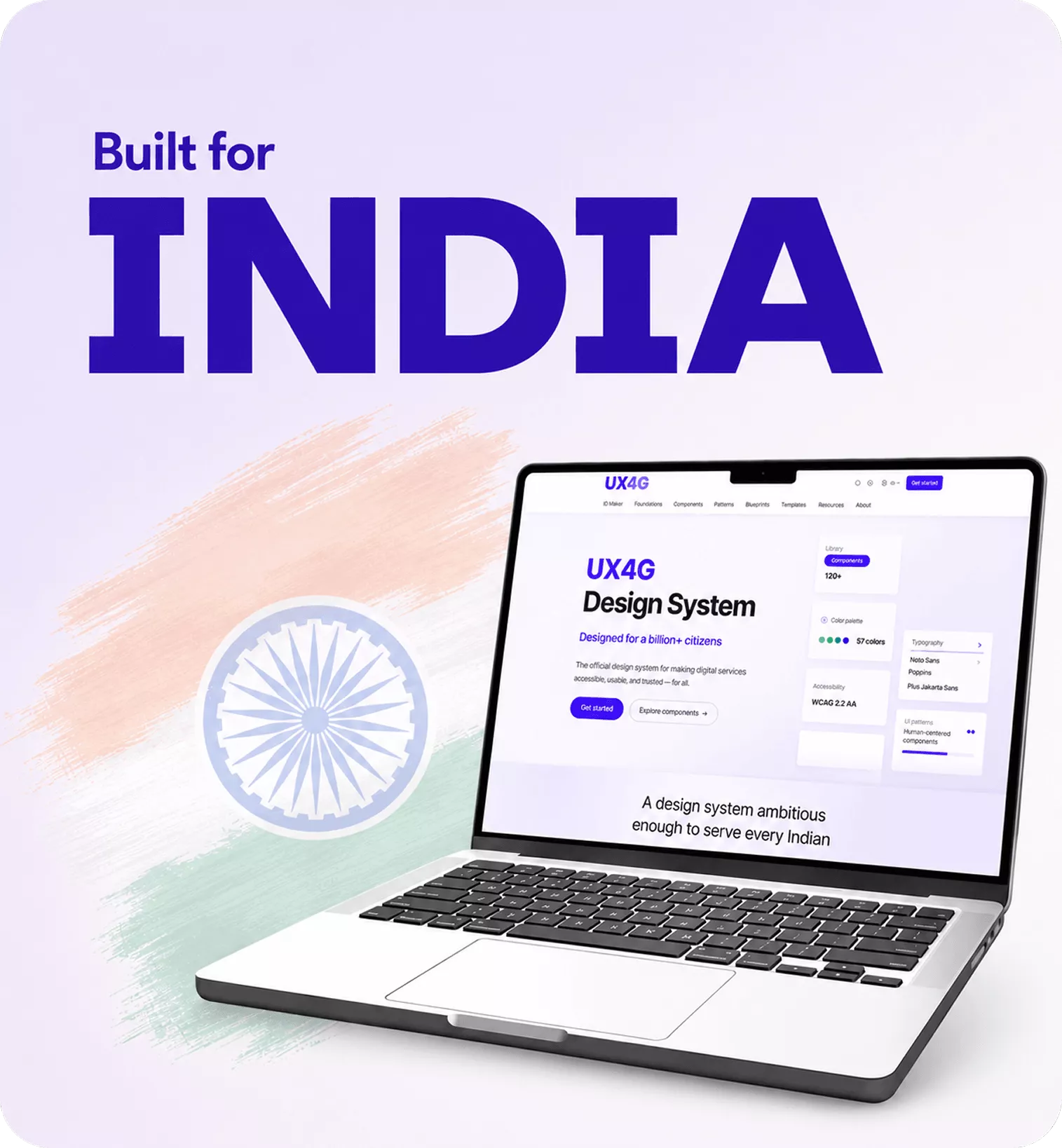
Built for India - UX4G Design System on laptop with Indian flag

Solutions by UX4G

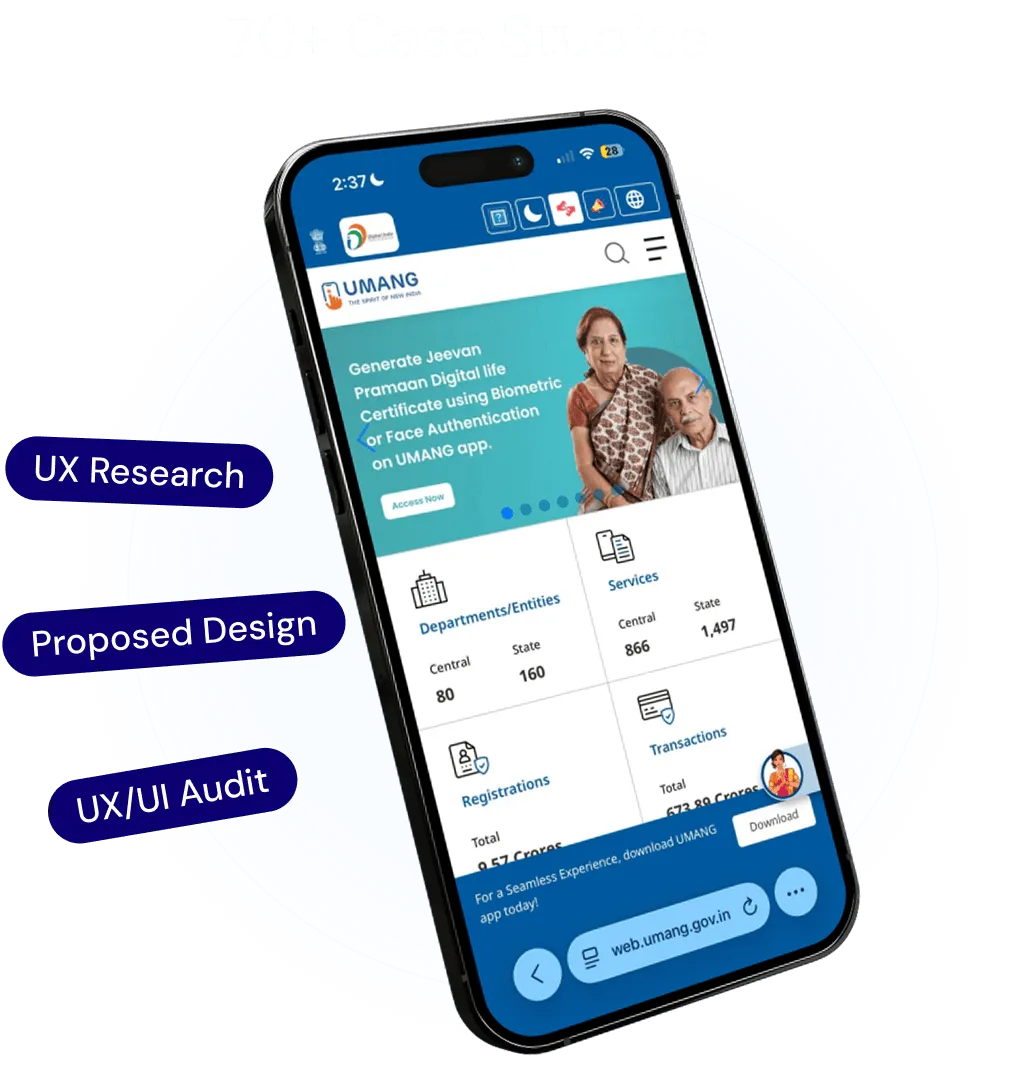
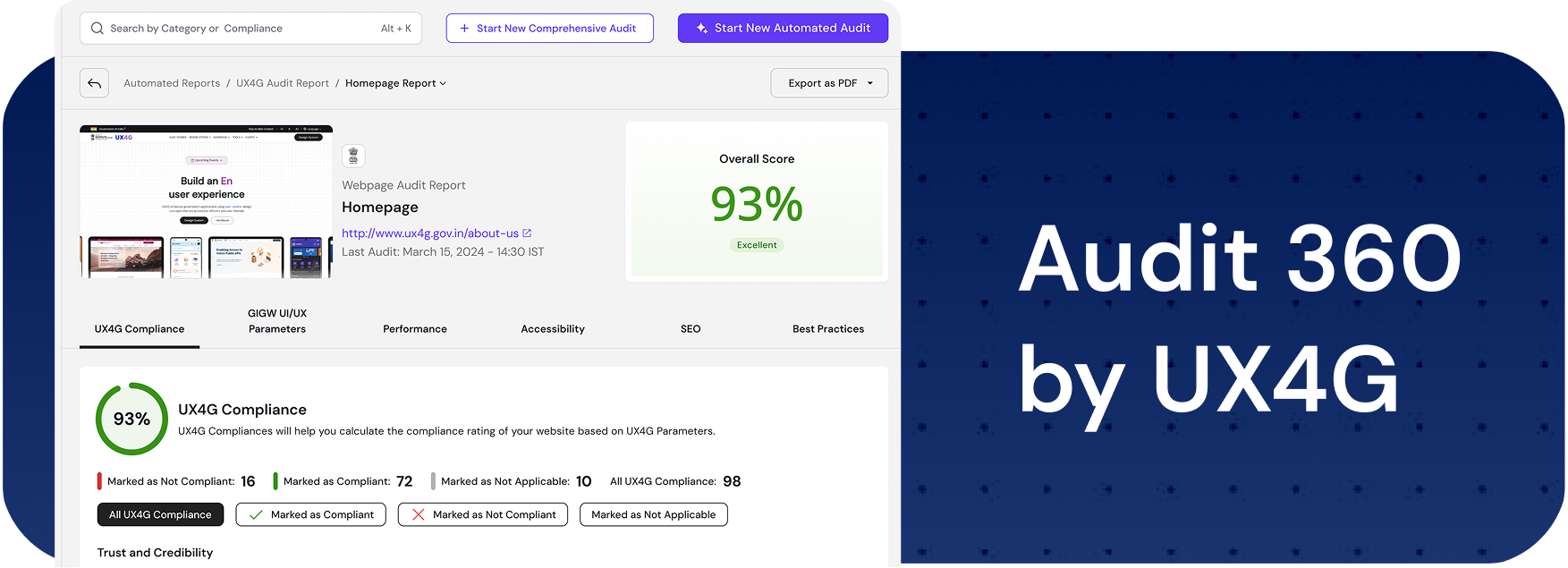
UX Audit

Assess, identify, and resolve usability issues while improving compliance with UX best practices through automated audits and comprehensive UX reviews.

Frequently Asked Questions

Common queries and clarifications

View all FAQs
The UX4G is an initiative that enables and facilitates the development of Design Handbook and Design Systems to improve user experience on government websites and mobile applications. It provides government departments with ready-to-use website components, tools, and solutions for better User Experience and User Interface. UX4G uses user-centered design concepts to create government applications that are accessible, efficient, and user friendly.
Yes, it's free to use for government departments and their websites.
To get started, open Figma's Community tab, search for 'UX4G Design System,' and select the latest version (currently 3.0). Duplicate the file into your own workspace, then move it from Drafts into your Team Project so your whole team can access it. Open the copied file, go to the Assets tab, select Libraries, and click Publish to enable it across your team's files. Your copy of the UX4G Design System is now ready to use.
Start by choosing your preferred installation method (CDN or npm), include the required CSS and JavaScript files, and follow the framework-specific setup guide for HTML, React, or Angular. Learn more: https://doc.ux4g.gov.in/web/?path=/story/getting-started-quick-start-guide--quick-start
Yes, components can be customised to match your department's specific colours, logos, and visual style without changing their underlying accessibility or layout structure. Teams can use the official UX4G Theme Craft 2.0 Figma Plugin to quickly build and apply custom themes directly in Figma.
UX4G Accessibility Tool
Dictionary