


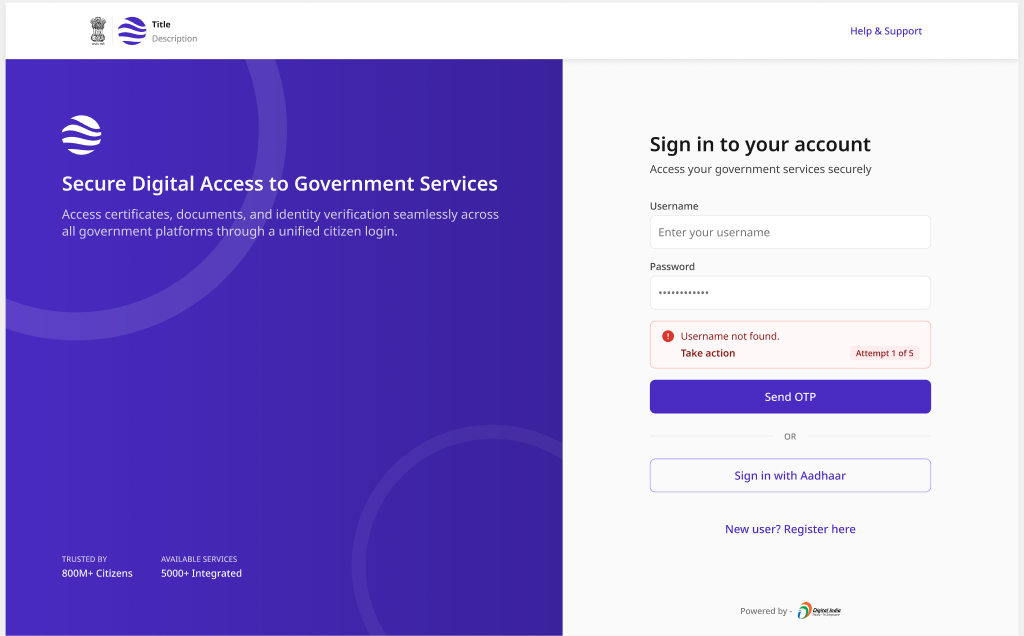
Sign In
Returning-user authentication with username/mobile + password or OTP, plus Aadhaar-based sign-in, and a confirmed success state.
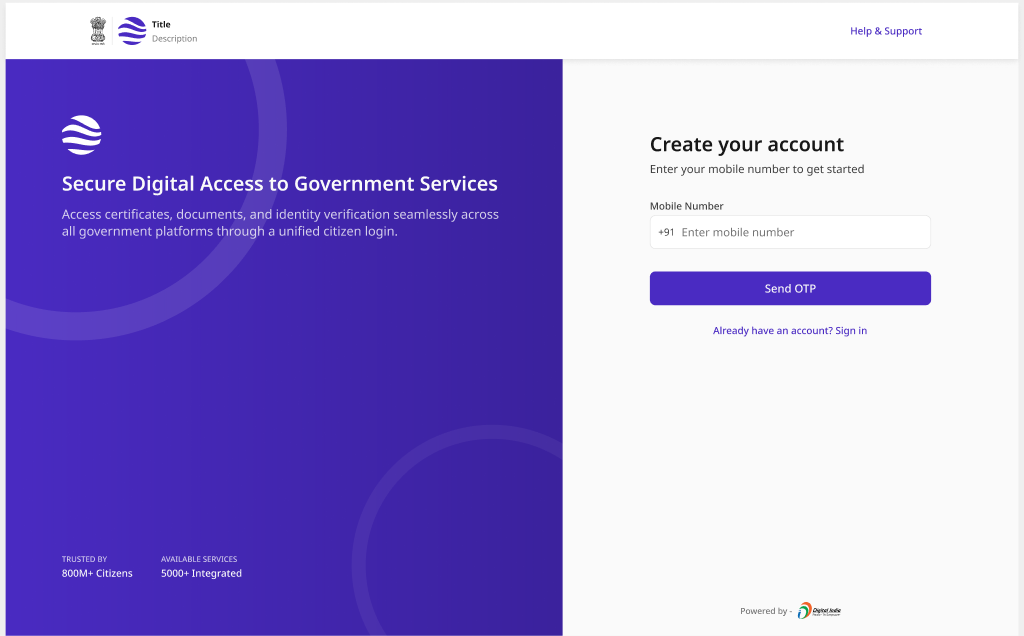
Sign Up
New-account creation with mobile verification, profile completion, and password setup, ending in a confirmed account.
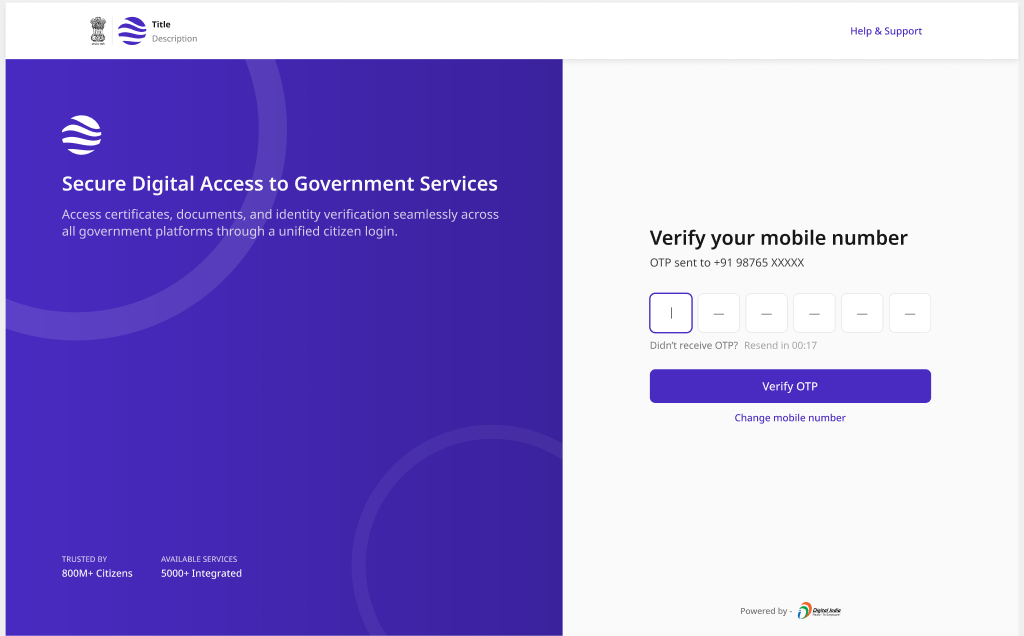
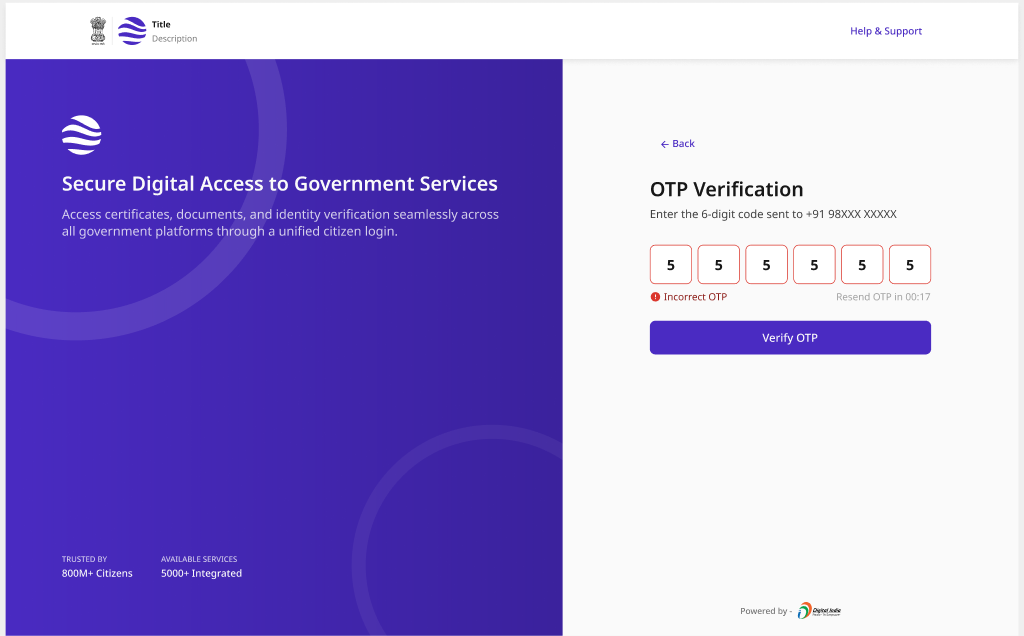
OTP Verification
One-time-password entry with resend, wrong/last-attempt warnings, lockout, and success - the shared verification step across identity flows.
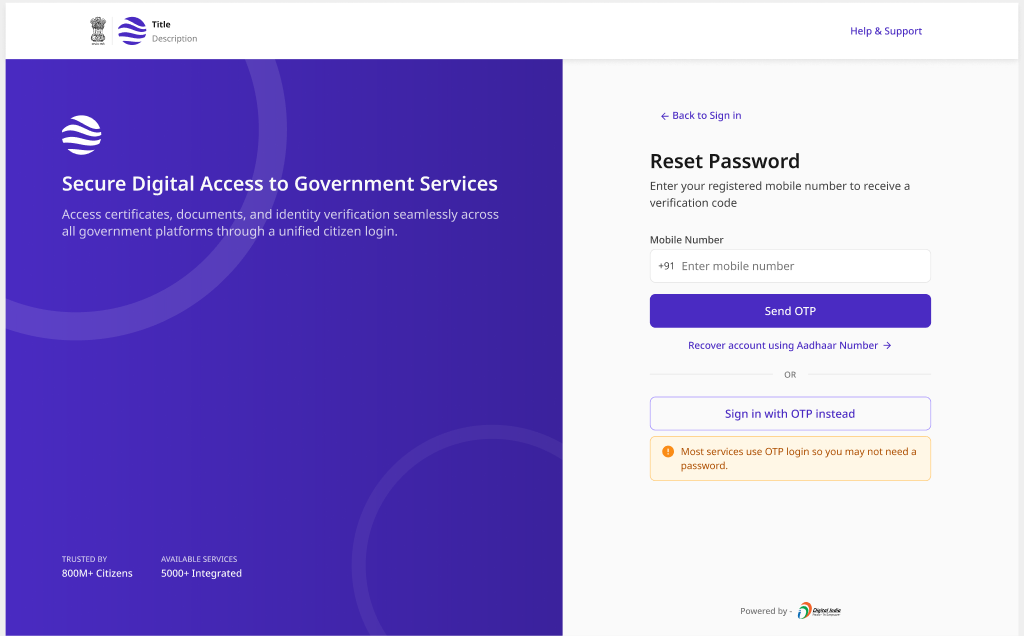
Forgot Password
Account recovery via OTP verification and a new password, with an Aadhaar-based recovery fallback for citizens who can't receive an OTP.
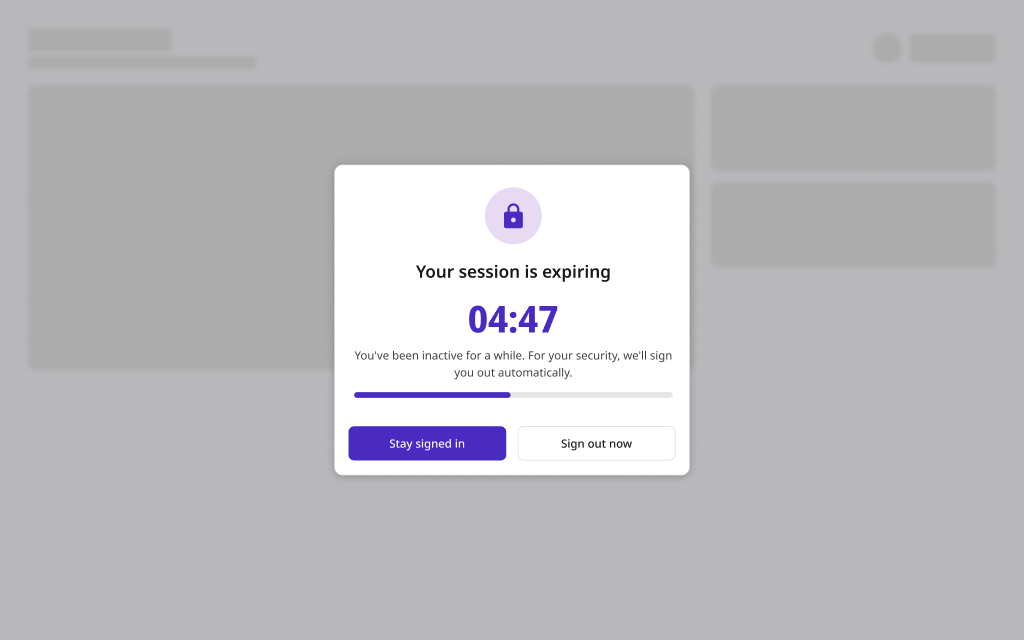
Session Timeout
Inactivity handling with an early warning, an urgent countdown, and a graceful expired state that preserves the citizen's context.
Auth Errors & Lockout
Failed-attempt handling - attempt counters, temporary lockout with auto-unlock, and suspicious-activity protection - communicated without leaking account details.
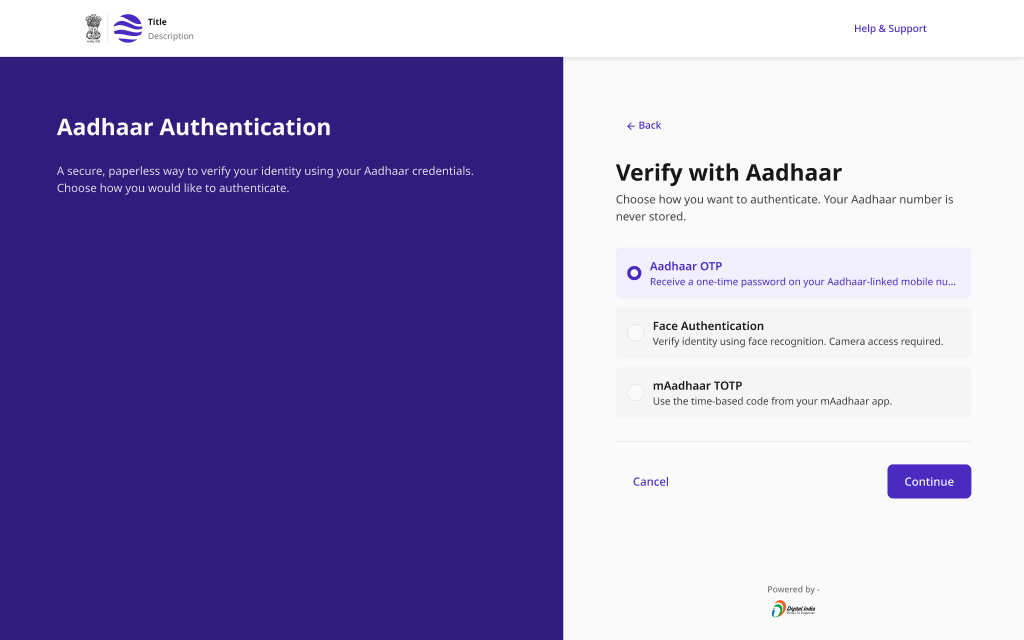
Aadhaar Authentication Gate
DPDP-compliant Aadhaar authentication supporting OTP, face, and TOTP factors, with success/failure/lockout states and an assisted VLE mode.
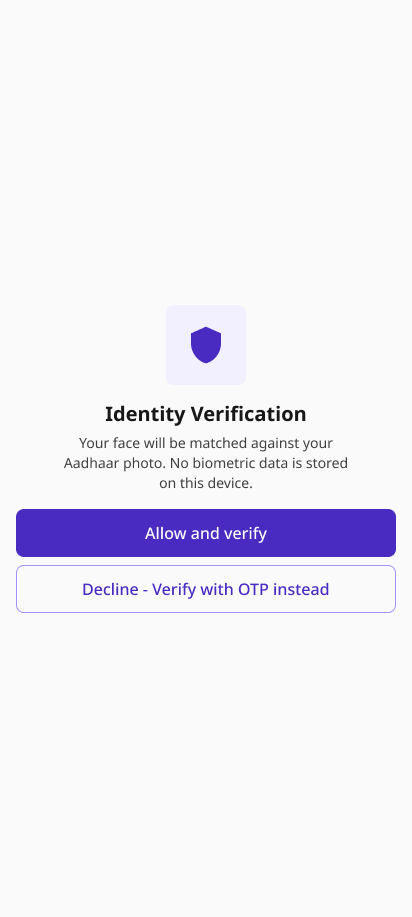
Biometric Verification
Camera-based liveness/face verification with a consent gate, permission prompt, alignment guidance, processing, and an OTP fallback when the camera is unavailable.
Pattern Overview
Purpose
Give citizens a secure, familiar, and inclusive way to prove who they are and access their government services - across passwords, OTP, Aadhaar, and biometrics.
- Authenticate returning users and register new ones
- Offer strong factors (OTP, Aadhaar, biometric) with fallbacks
- Protect accounts with lockout and suspicious-activity handling
- Handle sessions and recovery gracefully
When to Use
- A service requires a citizen account or personalised access
- Identity must be verified to a known assurance level
- Aadhaar-based authentication is mandated for the service
- Sessions must expire for security or compliance
When NOT to Use
- A fully public, no-account information service
- Anonymous grievance or tracking-only access
- Machine-to-machine / API auth (use service credentials)
Primary User Goals
- Sign in quickly and get to my service
- Choose an authentication method I can actually use
- Recover access if I forget my password
- Understand why sign-in failed or my account is locked
- Trust that my identity data is handled with consent
Accessibility Requirements
Every screen in this group is built to meet WCAG 2.1 Level AA — keyboard operable, screen-reader friendly, and resilient for low-bandwidth and assistive-tech users.
Forms and Labels
- Every field has a visible <label> with for/id association
- Required fields marked with * and aria-required="true"
- Errors linked to fields via aria-describedby
- Show/hide password toggle is keyboard-operable and labelled
OTP and Verification
- OTP inputs are labelled and announce position ("digit 3 of 6")
- Resend timer and attempt counter announced via aria-live
- Paste-to-fill supported for the whole OTP
- Errors say what to do, without revealing whether the account exists
Aadhaar and Biometric
- Consent is explicit, in plain language, before any capture
- Camera/biometric steps have a non-biometric fallback (OTP)
- Liveness/alignment guidance conveyed by text, not color alone
- Assisted (VLE) mode available for citizens who need help
Sessions and Lockout
- Timeout warnings announced with enough time to respond
- Countdown exposed to assistive tech; extend action is reachable
- Lockout state explains duration and recovery options
- Focus returns to a sensible element after modal dialogs close