


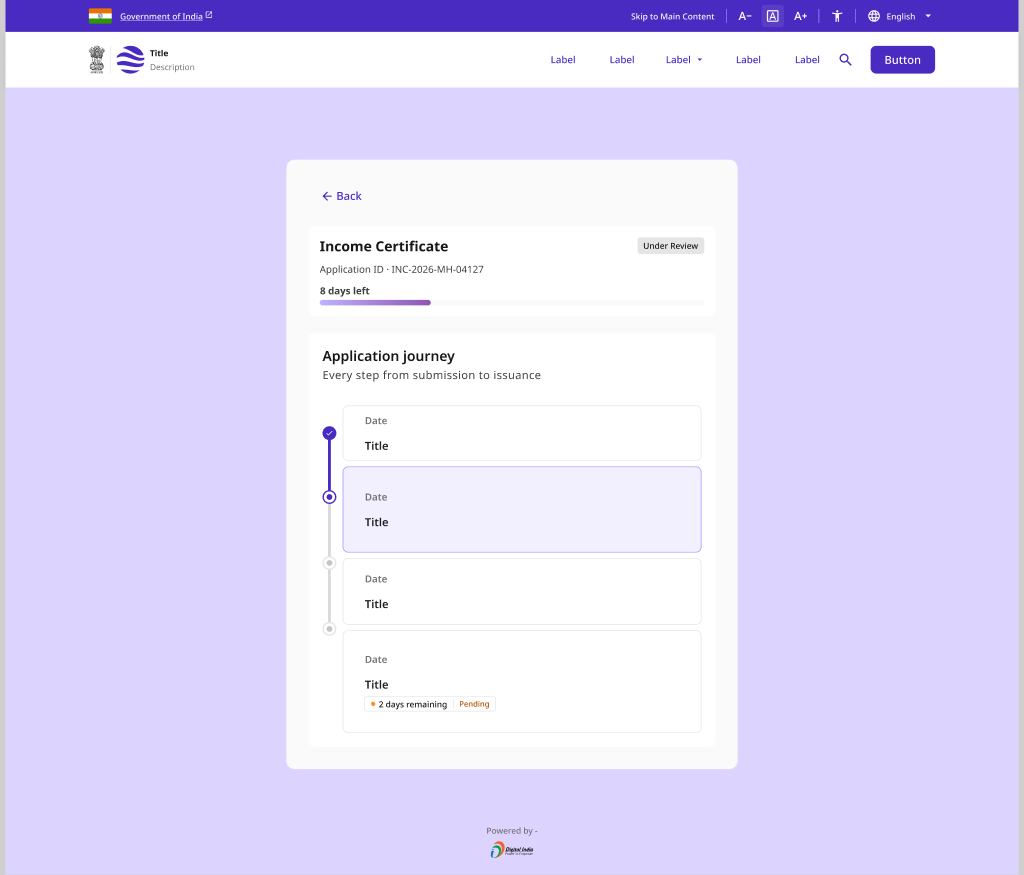
Application Status Tracker
A citizen-facing status view keyed by Application Reference Number (ARN) that shows the current stage, action-needed prompts, and terminal approval or rejection outcomes. Surfaces SLA-based delay reasons so applicants always know why and when.
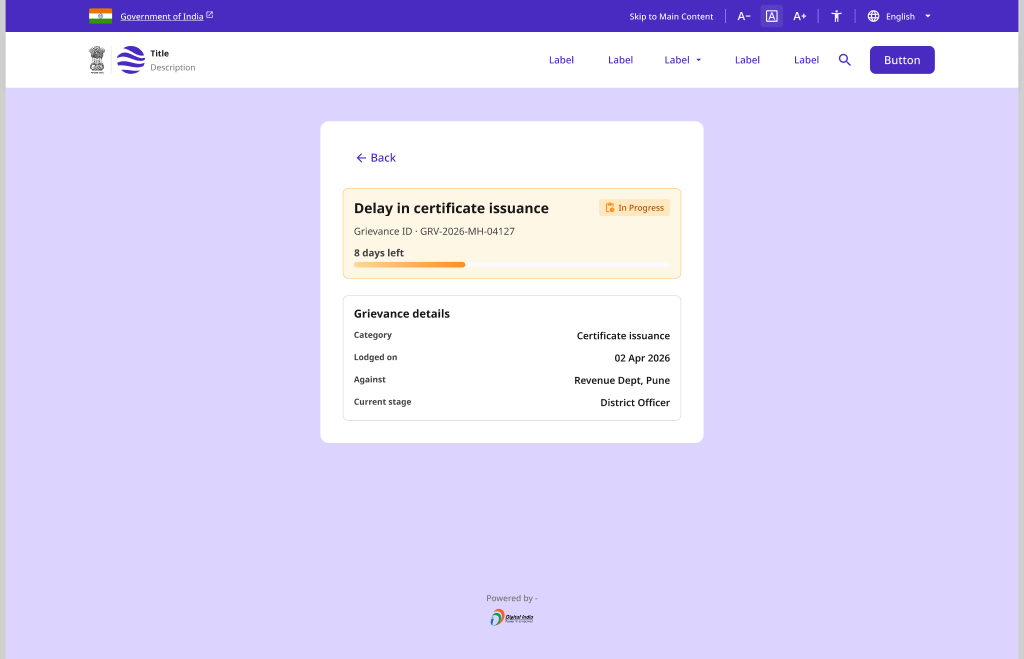
Grievance Status Tracker
An end-to-end grievance lifecycle view with a chronological timeline, an escalation tree, and the assigned officer. Closes the loop with resolution feedback and a reopen flow when the citizen is not satisfied.
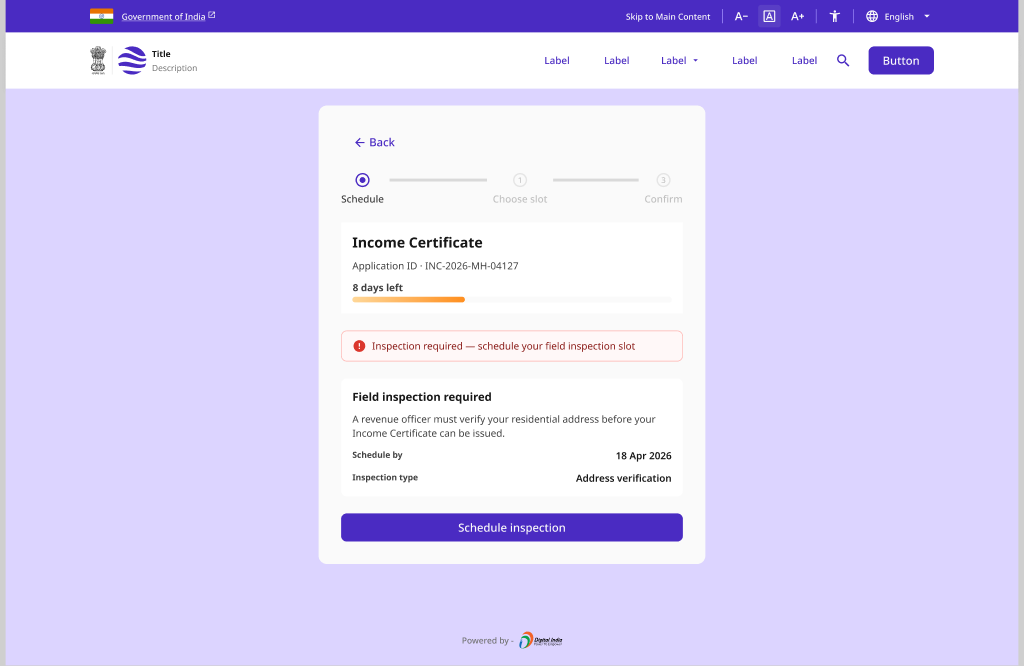
Inspection and Test Slot Scheduling
A scheduling flow that notifies applicants when an inspection or test is due, lets them pick and confirm a slot, and supports rescheduling. Falls back to an officer auto-scheduled slot when the citizen does not respond in time.
Pattern Overview
Purpose
Keep citizens informed after submission - make every stage, delay reason, and next action transparent so no one is left guessing about a pending case.
- Track an application by its reference number (ARN)
- Explain delays against a published SLA
- Follow a grievance through escalation to resolution
- Schedule and reschedule inspections or tests
When to Use
- An application moves through multiple review stages
- Citizens need to check status without logging in
- A grievance may escalate across officers or levels
- An inspection or test slot must be booked
When NOT to Use
- The initial form or submission flow (use Application & Submission)
- A one-off confirmation with no ongoing tracking
- Payment receipts only (use Payment & Transactions)
Primary User Goals
- Know exactly where my application stands right now
- Understand why it is delayed and when to expect movement
- See what action I need to take next
- Follow my grievance and escalate if needed
- Book or reschedule an inspection at my convenience
Accessibility Requirements
Every screen in this group is built to meet WCAG 2.1 Level AA — keyboard operable, screen-reader friendly, and resilient for low-bandwidth and assistive-tech users.
Status and Progress
- Current stage conveyed by text, not color or icon alone
- Timeline steps expose state via aria-current on the active stage
- Status changes announced via aria-live="polite"
- ARN is selectable text with a labelled copy-to-clipboard control
Delays and Action Prompts
- Delay reasons stated in plain language with a revised ETA
- Action-needed prompts describe the exact next step to take
- SLA countdowns readable and not conveyed by color alone
- Alerts use role="alert" so they are announced immediately
Grievance and Escalation
- Escalation tree navigable by keyboard with clear focus order
- Assigned officer and level announced to screen readers
- Timeline events carry accessible timestamps and actor names
- Reopen and feedback controls have descriptive accessible names
Slot Scheduling
- Slot options are keyboard-operable radio or button groups
- Selected and confirmed slots announced without stealing focus
- Reschedule and cancel actions are clearly labelled and reversible
- Auto-scheduled fallback explained in text, not color alone